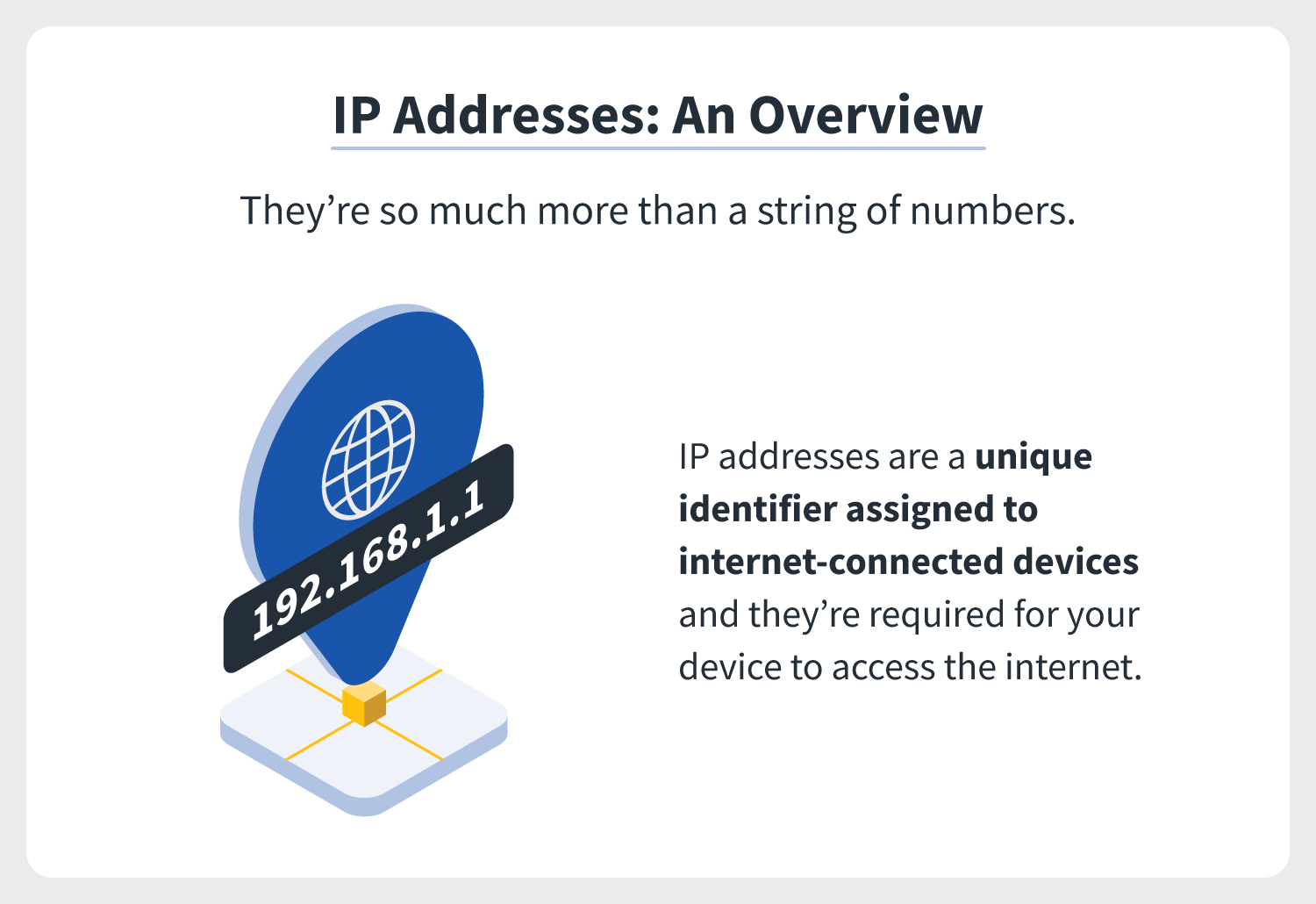

It's a really weird question. It's like asking a genie for something. Basically asking for an address. This is an age old question in the context of internet history. A very basic information, yet most of us are yet hitting search on Google.
On average, 1 million - 10 million monthly searches for this question. It's a very interesting information considering majority of us went through computer class/lessons. I'm pretty sure this was mentioned many times. And for those are searching for this information, for sure, are well versed enough with these code.
So, what my ip address and how to determine this?
-
Let's start with the simplest approach. On Google search, type "what is my
ip". At the top of the search result is the actual information. This is also
the same address that Google used to return local result using your
location.
-
Then there's the searching through your PC setting.


-
Then there's the command prompt. A very straight forward approach, by the way. A good way to show-off as well. You know just want to impress, how good you are with IT stuff, typing and going into the telnet aspect of identifying your IP Address. On windows, go to Search and type cmd and it enter. Then type Ipconfig in the black screen =). Just look for the blinking cursor =)


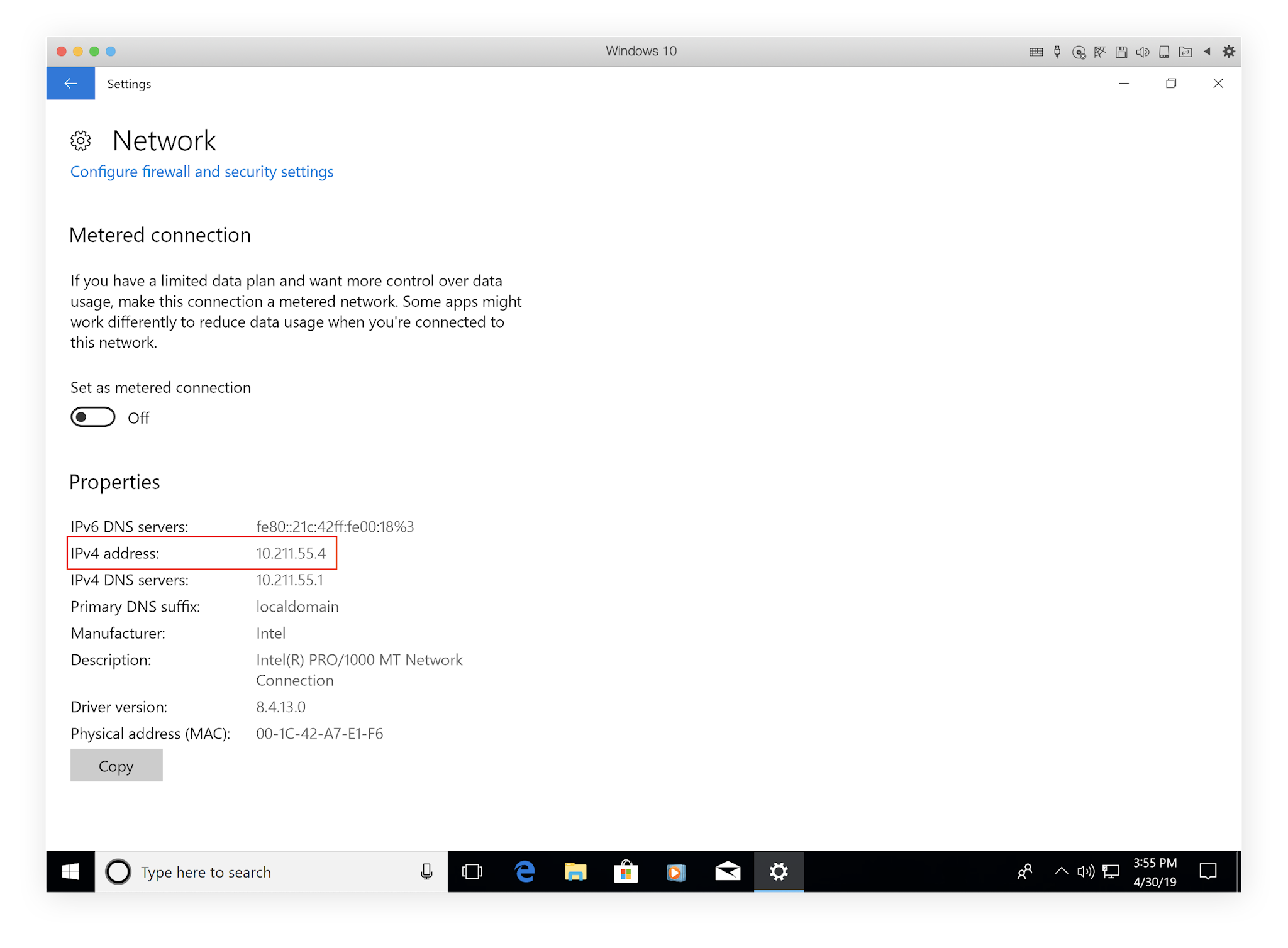

And before I forget, on a Mac..
Go to your System Preferences and follow the images below.


If you're that confident with the MacOS Terminal
- Start Terminal
- Enter the command ipconfig getifaddr en1 at the command prompt. Or...
-
Enter the command ipconfig getifaddr en0


There you have it. Be aware of this information as you will encounter or be
needing this as more devices are connected in the internet. Even in your
homes, this will be a staple and to provide proper allocation of internet
usage and level of control as well.